How to reset or change employee password?
Step’s on how to change or reset account credentials.
NOTE: this Procedure will completely work on CHROME browser .
Step 1: Visit to depednodis.net
-> click login
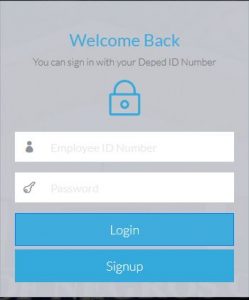
Figure 1.1 shows the login Interface. Click Signup to register new employee.
Step 2: Select Management Tool on the left side.
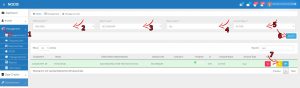
->Select Manage Account
-> Select the district -> Station level -> Station of the employee
->Click Search
-> Click the orange icon for reset password
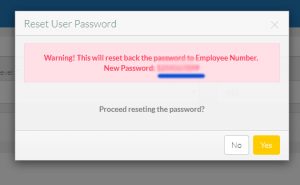
Step 2: Reset password Confirmation.
-> Copy the new temporary password and send to the employee.
->Click yes to confirm to reset the password.