How to transfer an employee account to other School or District?
Steps on how to transfer employee’s account from one station to another.
NOTE: This Procedure will completely work on CHROME browser .
Step 1: Visit to depednodis.net
-> click login
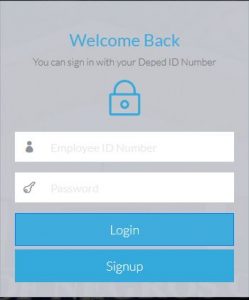
Figure 1.1 shows the login Interface. Click Signup to register new employee.
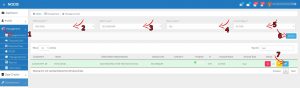
Step 2: Select Management on the left side. Select Manage account
-> Select District to transfer
-> Select Station Level (Elementary or Secondary)
-> Select Office/Station Name/School
->Select Status (Active or Inactive)
-> Click the blue icon in the row.
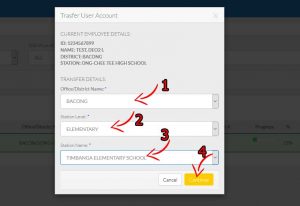
Step 3: Select the location where to transfer the employee.
-> Select District to transfer
-> Select Station Level (Elementary or Secondary)
-> Select Office/Station Name/School
->Click Continue
Step 4: Confirm the Employee Account to transfer
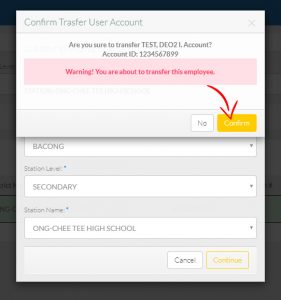
Note: Once the employee Account successfully transferred, It will be validated by district ICT coordinator..